
Update the SafeSite Mobile App
The SafeSite mobile app is regularly updated to add new features, fix bugs, and improve performance, security, and stability. Typically, the app is updated automatically when an update is released, but it can also be updated manually if required. These manual update steps are described below.
Update the SafeSite App
To manually update the SafeSite app on your mobile device:
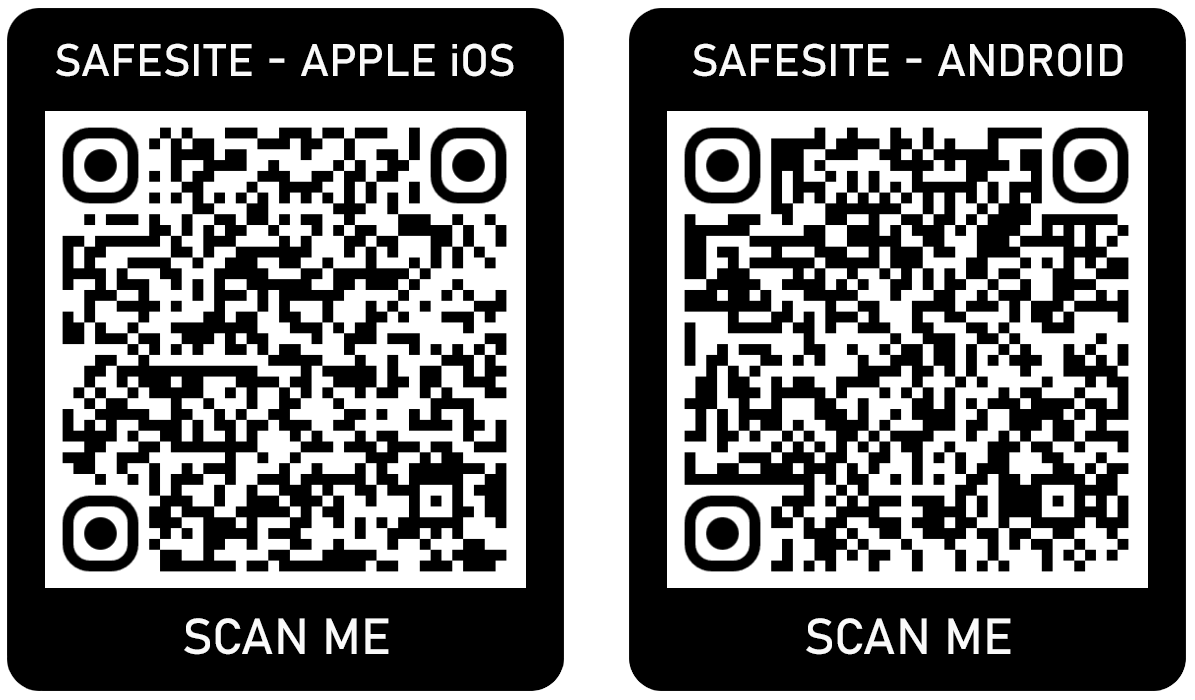
- Open the SafeSite page in your mobile device's app store: Apple App Store or Google Play Store. If using the app store's search system to locate the app, search for Cloudscape SafeSite. Alternatively, scan the QR codes shown below.
- Tap Update and wait for the update to download and install. When this process completes you can open the app and use it normally.
Installation QR code
Use the QR codes below to open the app update page:
Click or tap to expand image